Who this is for.
Melbourne homeowners, architects, and builders deciding on a smart home control platform for a premium residential project. The shortlist usually includes Apple Home, Control4, Crestron, Savant, and Home Assistant.
For most of the homes we build, our recommendation is Apple Home as the family-facing control surface, with a layered stack underneath. This post explains why.
The problem.
The hardest design problem in residential smart home is not technical. It is behavioural. Will the family actually use it once the cabling is in the walls and the system is commissioned.
A system the family will not use is a system that quietly fails. The lighting still works. The keypad still responds. They just stop reaching for the app, default to the wall switch, and the investment in automation slowly disengages from daily life.
The goal of a control platform decision is to pick the surface the family will reach for naturally, every day, for years.
The solution.
Apple Home, for clients already living in the Apple ecosystem.
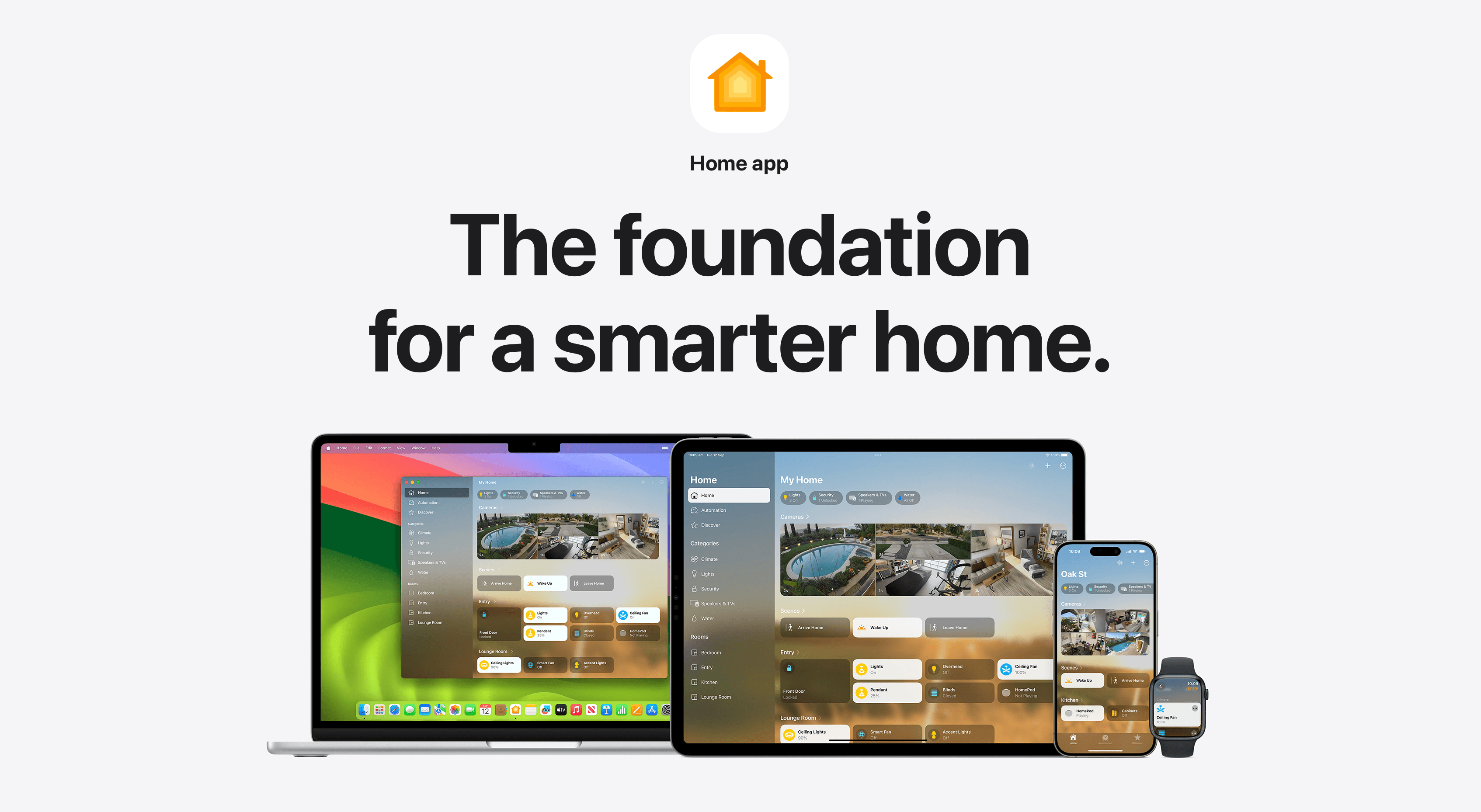
The Home app is a tap away on the iPhone, iPad, Mac, Apple Watch, and HomePod the family already uses every day. There is no learning curve. There is no separate app to train them on. The interface is one they already know.
That alone solves the adoption problem before the cable is pulled. The system gets used. Which is most of the game.
What about reliability.
A fair question. Early HomeKit, in 2015, ran on Bluetooth and the onboarding was unforgiving.
The platform is in a different place now. Modern Apple Home runs on Matter for the device protocol layer, with native Thread mesh, and a Home Hub architecture that supports multiple HomePods or Apple TVs as redundant controllers. Local control is the default. The system does not buckle when the internet drops, because the logic does not live in the cloud.
In day-to-day operation, an Apple Home install built on a properly engineered KNX backbone is as reliable as the alternatives. The integration points are simpler, which usually helps.
Where Apple Home runs out.
Apple Home has a ceiling. It does not handle complex multi-room AV switching natively. It does not run a dedicated home cinema. It does not directly manage most security panels. It does not give you commercial-grade scheduling logic. And whole-home audio beyond AirPlay 2 still benefits from a dedicated platform.
For all of that, we layer underneath.
Whole-home audio runs on Sonos, Sonance, WiiM, or Triad, with AirPlay native to keep it inside the Apple Home control surface. Cinema runs on a Trinnov or a Marantz, controlled from a dedicated panel. Security runs on Inception by Inner Range, bridged into Apple Home for status visibility and managed natively for the alarm interface. Where Apple Home cannot reach a system, Home Assistant becomes the bridge. Where the family wants a dedicated app and a wall-mounted touch panel, Control4 or Basalte Home sits in front.
The architecture is Apple Home at the centre, the family-facing layer, with a stack of best-in-class systems underneath that each do their specific job well and bridge cleanly to the surface.
What this requires of the integrator.
Doing Apple Home properly at the high end is not a one-app exercise. It requires working knowledge of KNX, Home Assistant, Matter, Thread, HomeKit Secure Video, and how to bridge non-HomeKit gear cleanly. The integrator needs the full stack, not just one layer.
Elec Reid is built around exactly that stack. It is most of why architects and builders bring us in early on premium residential projects.
When Apple Home is not the right call.
Three cases where we recommend a different surface.
If the family has no Apple devices and lives in the Google or Samsung ecosystem, Google Home is the right surface. We design for it.
If the project requires deeply integrated commercial control logic that a residential platform cannot reach, the right answer is Crestron or a hybrid stack. That is rare in residential. Most luxury homes do not need it.
If the architect has specified a Control4 dealer-led stack and the budget includes a dedicated service contract, we build it that way and we build it well. Different choice, same standard.
For most premium Melbourne residential projects, none of these exceptions apply. Apple Home is the right call.
What to do next.
Three things to think about at design stage.
One. Plan the network before anyone specifies the lighting. Unifi end to end, racked, labelled, documented. Apple Home is only as good as the network it sits on.
Two. Specify KNX as the wired backbone. Open standard, deep installer pool, clean bridge to Apple Home.
Three. Pick your audio, security, and cinema platforms on their own merits, knowing they will bridge to Apple Home cleanly. Do not let any of them dictate the front-end.
If you are at design stage on a Melbourne residential project, tell us about your project or call +61 450 342 075. The best time to make these decisions is before the walls go up.
Tags