The question we get on almost every job.
"How many access points do I actually need?" It sounds like it should have a simple answer. It does — but it's not the one most people expect, and it's not the one the box in the shop suggests.
The honest answer: more than you think, and the number keeps going up. A home that got by with two access points a decade ago typically needs four today. A larger two-storey home may genuinely need eight. On a recent single-storey four-bedroom build in Melbourne's south-east, the right count was four — and that home isn't big by Melbourne standards.
Why faster Wi-Fi means more access points, not fewer.
Every Wi-Fi generation is faster. Wi-Fi 7 has headline numbers that would have sounded absurd five years ago. What the marketing never says: the higher the speed, the shorter the distance it survives.
The frequencies that carry those headline speeds — 5 GHz, and now 6 GHz — don't punch through walls the way old, slow 2.4 GHz did. Every plaster wall costs signal. Brick, concrete block, foil insulation and double-glazed glass cost a lot more. A modern access point delivers phenomenal speed to a device in the same room, and a fraction of it two rooms away.
So the architecture changed. The old model was one powerful router shouting from the hallway cupboard. The current model is several quiet access points, each close to the devices it serves, all hardwired back to the switch. That's not a UniFi quirk — it's how every serious network is designed now. UniFi just makes it affordable.
How we actually count.
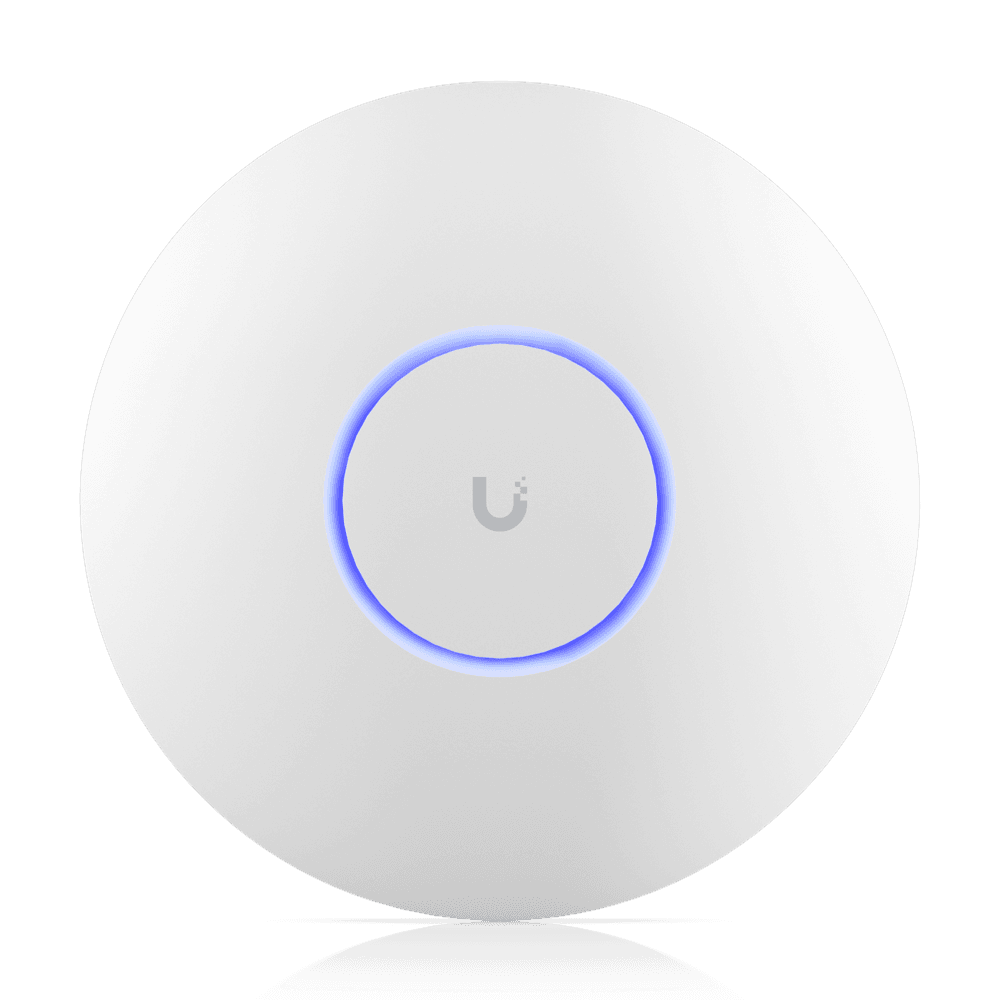
We design coverage from the floor plan, not from a coverage-area number on a box. The rated figures — a U7 Pro claims about 140 square metres — assume open space. Homes are not open space. What we look at:
Wall materials. Standard plaster stud walls are kind. Double brick, rendered block and anything with foil sarking are not. A home with foil insulation in internal walls can behave like a house full of Faraday cages.
Storeys. Concrete slabs between floors block signal almost completely. A two-storey home is effectively two separate coverage problems — count each floor on its own.
Where you actually sit. The home office where you take video calls, the couch, the alfresco table, the bedroom where someone streams at night. Coverage is designed to the life, not the floor area.
The garden. Alfresco areas, pools and sheds increasingly carry cameras, speakers and smart devices. An outdoor-rated AP or one placed near glass is part of most of our designs now.
Rough rules that hold up.
- Single-storey, 3–4 bedroom, standard construction: 3–4 access points.
- Single-storey, larger or awkward layout, or foil insulation: 4–6.
- Two-storey family home: 4–6, split across floors — never one per home "in the middle."
- Large two-storey or architectural builds with concrete and glass: 6–8+.
Every AP is hardwired on Cat6 and powered over the same cable. No repeaters, no wireless mesh hops, no extenders — that's the difference between this and consumer mesh, and it's most of the reason professionally designed Wi-Fi feels the way it does.
What it costs.
Installed on an existing UniFi network, budget around $650 per access point, including the cable run, ceiling mount and configuration. Whole-home designs including the gateway, switching and rack land between $4,000 and $10,000 for most Melbourne homes — the full numbers are in our UniFi cost guide.
The short version.
Faster Wi-Fi covers less distance. Modern homes need more access points than the old rules said, placed where life actually happens, every one of them wired. If you want the count for your home, send us the floor plan — we'll mark the positions and give you a fixed price.
Tags